
Project GitHub Repository: Prompt Enhancer with Local LLM
This project is a secure-by-design local LLM application template built to run entirely on a user’s machine. This means no cloud calls, no external model APIs, and no prompt logging outside the device. I originally built this tool to support a real workplace constraint: LLM usage was prohibited early on at many insurance companies due to data leak risk. Insurance companies are by nature risk averse. And in many organizations the real barrier to adopting LLM workflows isn’t capability, it’s risk.
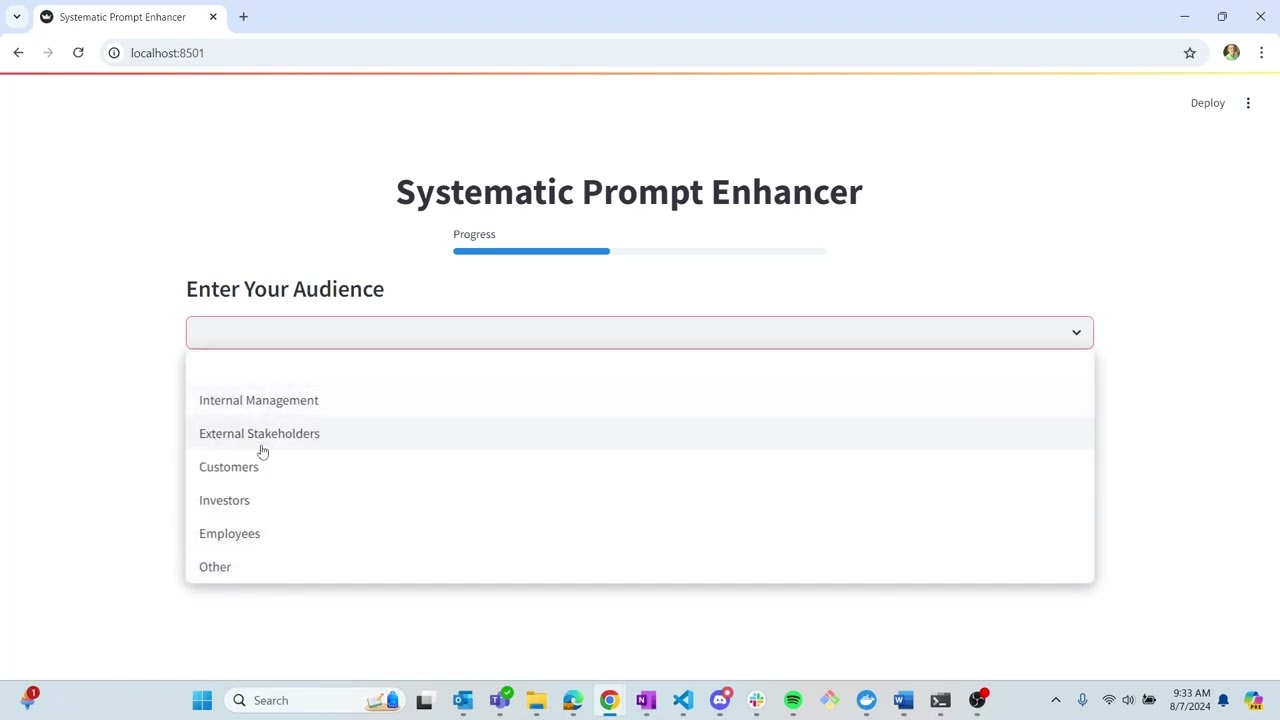
My goal wasn’t to build a complex AI demo, but instead to build a repeatable, portable, testable delivery pipeline for local AI tools. At a high level, the app provides a structured 7-step prompt refinement flow, but the core engineering work is the deployment architecture, tooling, and hardening.
Table of Contents
Demonstration Video
Engineering Highlights
Local inference boundary (privacy by default)
I designed the system so the LLM runtime stays on the host and the UI runs in a container, with communication over a local API call. This keeps the app portable while allowing users to swap models (any compatible llamafile) without rebuilding the image. The model is treated as a replaceable runtime dependency, not the product.
Containerized app & reproducible setup
I packaged the Streamlit frontend into a Docker image and published via DockerHub. Users have one command to pull, one command to run a consistent environment across Windows/Mac/Linux. This allowed for a clear separation of responsibilities between the container (UI and app logic) and the model.
CI workflow: formatting, linting, tests, build
I implemented a GitHub Actions pipeline to enforce quality gates. The pipeline included formatting (consistent codebase), linting (static checks), python tests (behavior validation), and a docker build (ensures the image stays shippable). This is the core of my project. The repo is structured so changes are caught early and releases stay reproducible.
Special Features
- 100% local, 100% private, can be run without an internet connection
- For Windows, Mac, and Linux machines
- For use on both:
- CPU only machine
- GPU machine (Can detect and use your GPU, whether it is from Apple, NVIDIA, or AMD)
- Open Source
- Free
- Prompt enhancement naturally built into easy 7 step process