
This project explores creative tool use in robotics through an imitation learning policy. Specifically, I trained a robot arm to both position and cut a food item using a single one degree of freedom tool - a pair of scissors mounted on a custom end effector. The object being cut was positioned and oriented at various starting locations, requiring the robot policy to handle the variation.
Traditionally, a robot would solve this by swapping tools: pick-and-place to reposition the object, then switch to a cutting tool. That process adds time, complexity, and failure points. Here, the robot instead treats the scissors as a multi-purpose tool to:
- Position: guide and orient the food item using both scissor blades
- Cut: execute the final slicing motion once aligned
To make the full workflow autonomous and robust, I built a State Machine Framework (SMF) and trained two custom YOLO classification models to verify completion between subtasks. When a failure is detected, the SMF automatically retries earlier states to recover and continue.
Full Project Details and Code
Table of Contents
System Design
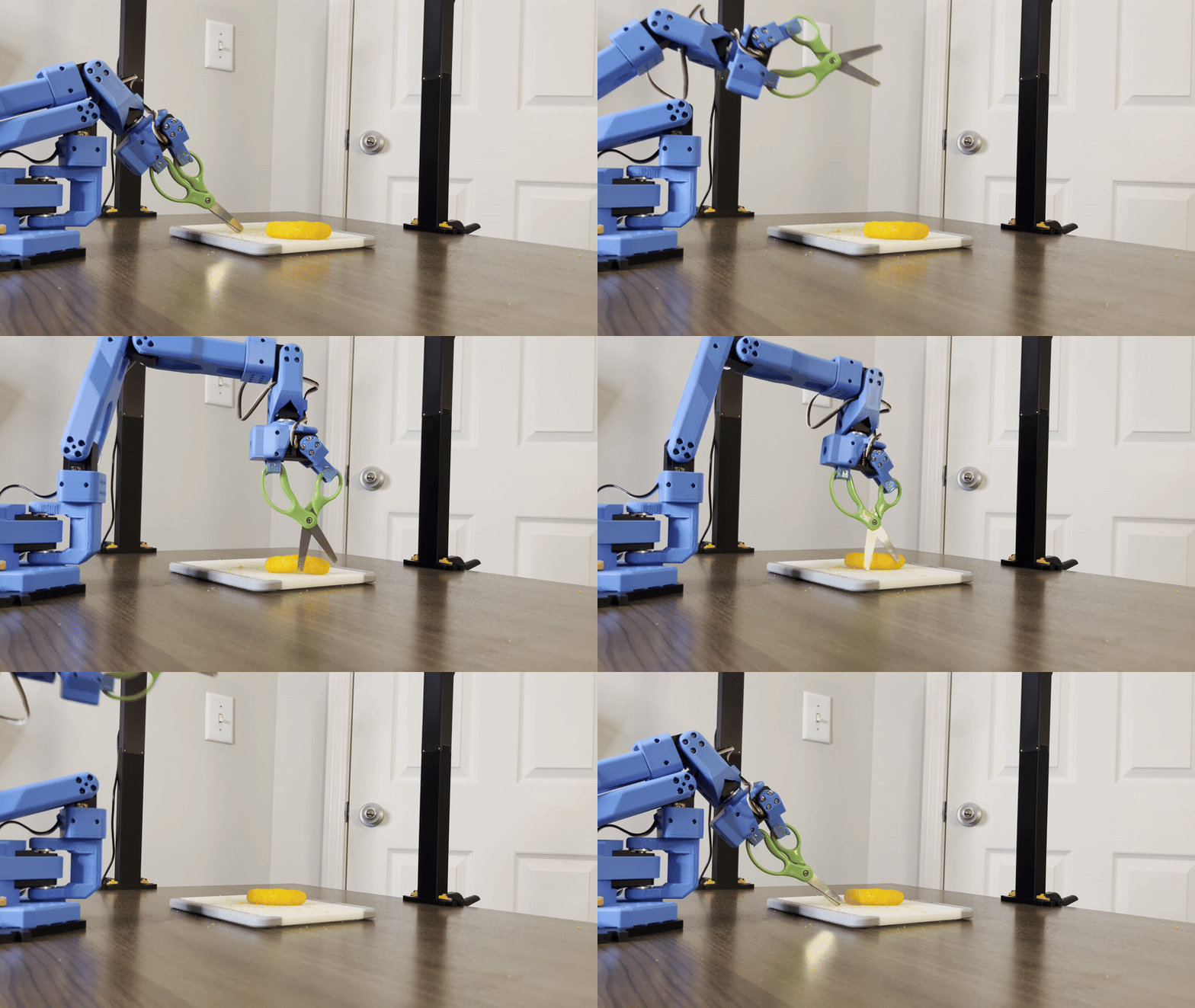
Push Only Subtask Example Above
At a high level, the system is built around three ideas:
1) One tool, two roles
The scissors act as both:
- a manipulation surface (pushing/guiding with blades)
- a cutting mechanism (closing motion once aligned)
2) Task decomposition into stable subtasks
Rather than training one policy to “do everything,” the pipeline breaks the job into reliable subtasks, each with its own data + policy.
3) Autonomous verification + recovery
Instead of relying on a human to say “yep, that worked,” the pipeline uses YOLO classification to check progress and automatically retry when things go wrong.
Project Phases
Phase 1 — Initial Exploration (Franka Research 3)
Scissors
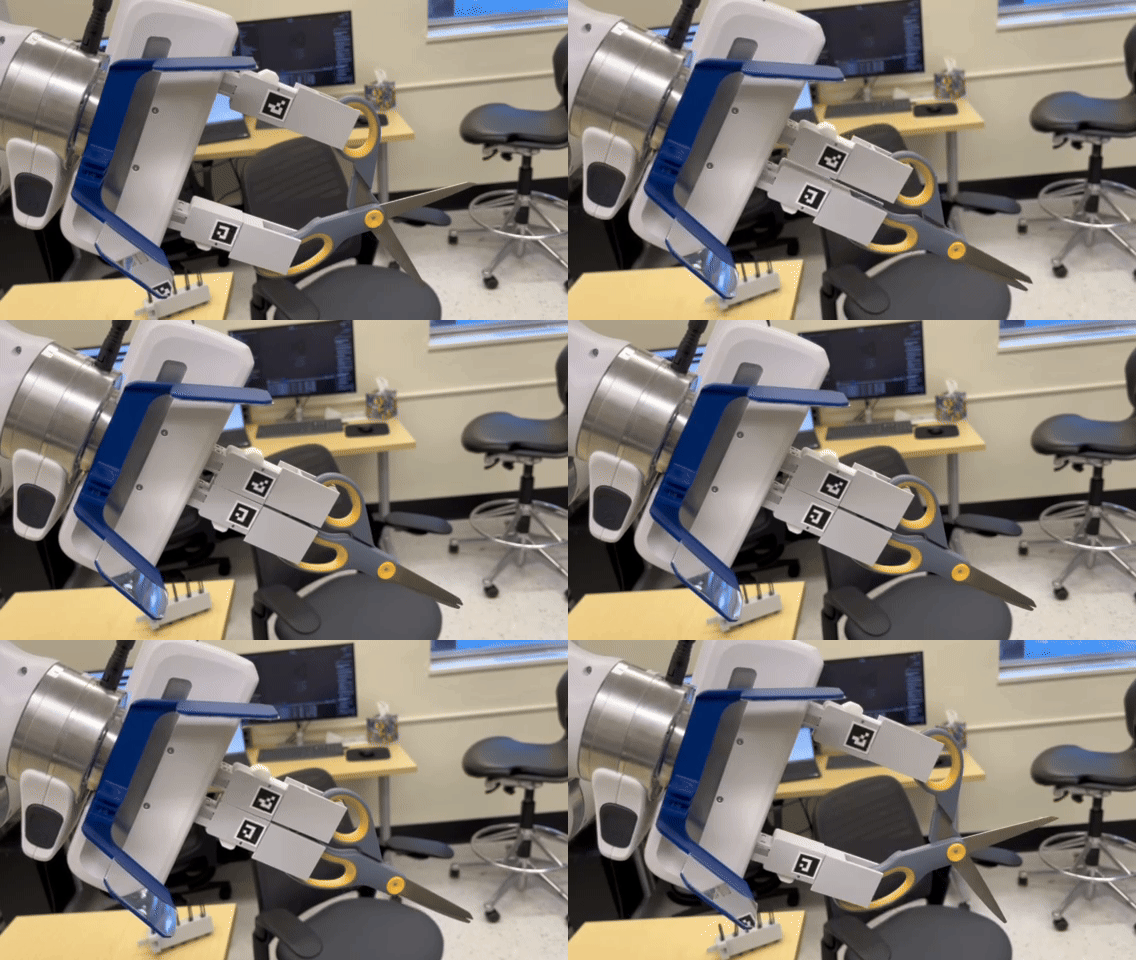
This phase was about feasibility: can a robot operate a one-degree-of-freedom tool (scissors) as part of an imitation-learning pipeline?
I designed a modified snap-click end effector to mount a standard pair of scissors to the robot wrist. The mount needed to:
- align cleanly to the wrist connector
- hold the scissors in place while allowing rotation in the handle holes
- allow the arm’s finger motion to open/close the handles
Additional Tools
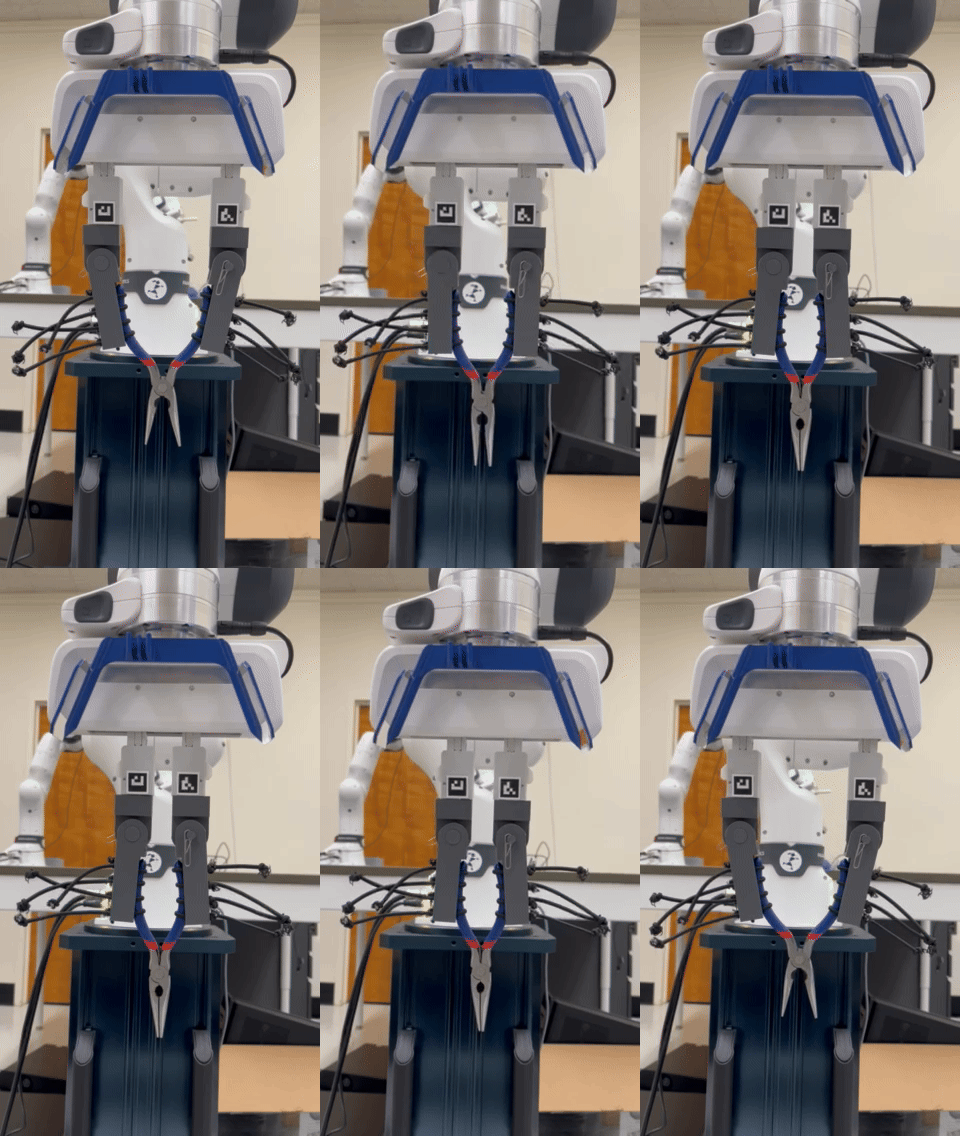
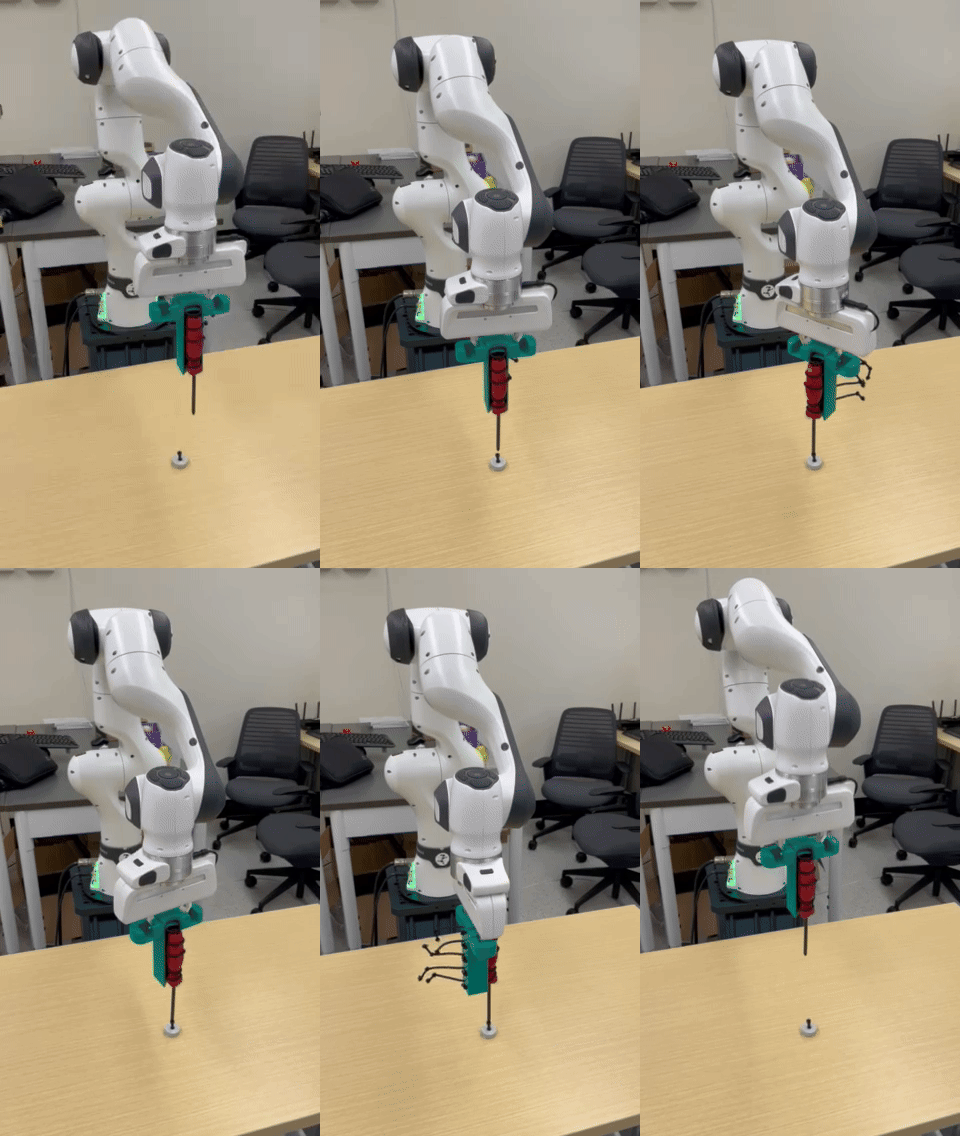
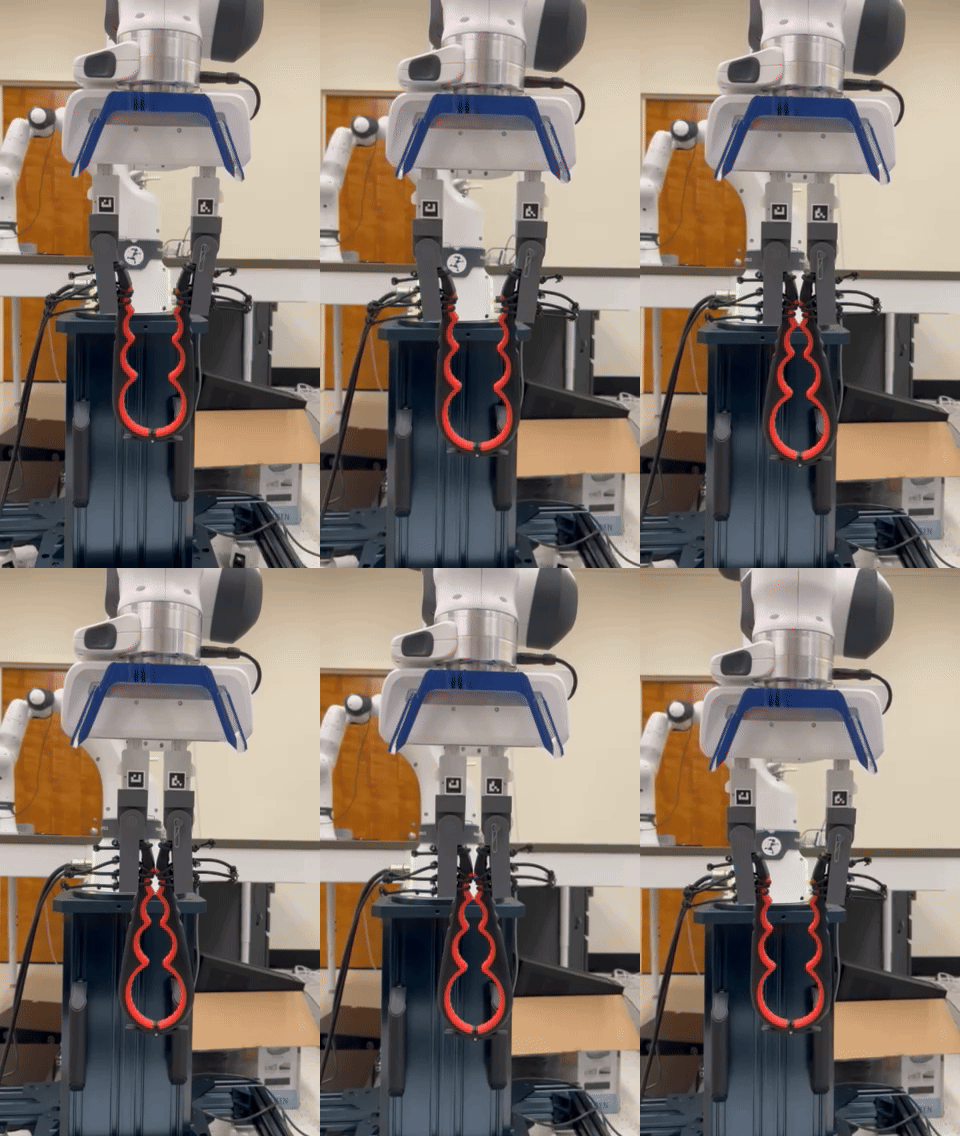
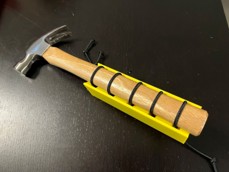
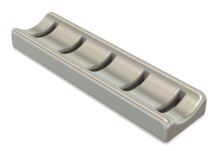
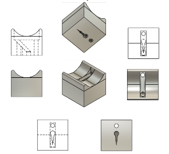
Additional tool interfaces were explored for pliers, a can opener, and rod-based tools such as a screwdriver. These mechanisms utilize cinchable bungee cords, enabling users to swap tools of various shapes and sizes at a moment’s notice. Design inspiration was taken from the functionalhand®, an adaptive tool holder for people with physical hand disabilities.
| Pliers | Screwdriver | Can Top Opener |
|---|---|---|
 |
 |
 |
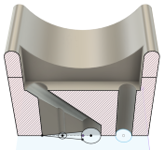
| Hammer | Tool Interface | Single Segment | Cutaway View |
|---|---|---|---|
 |
 |
 |
 |
Phase 2 — Pick and Place Exploration (SO-101 + LeRobot)
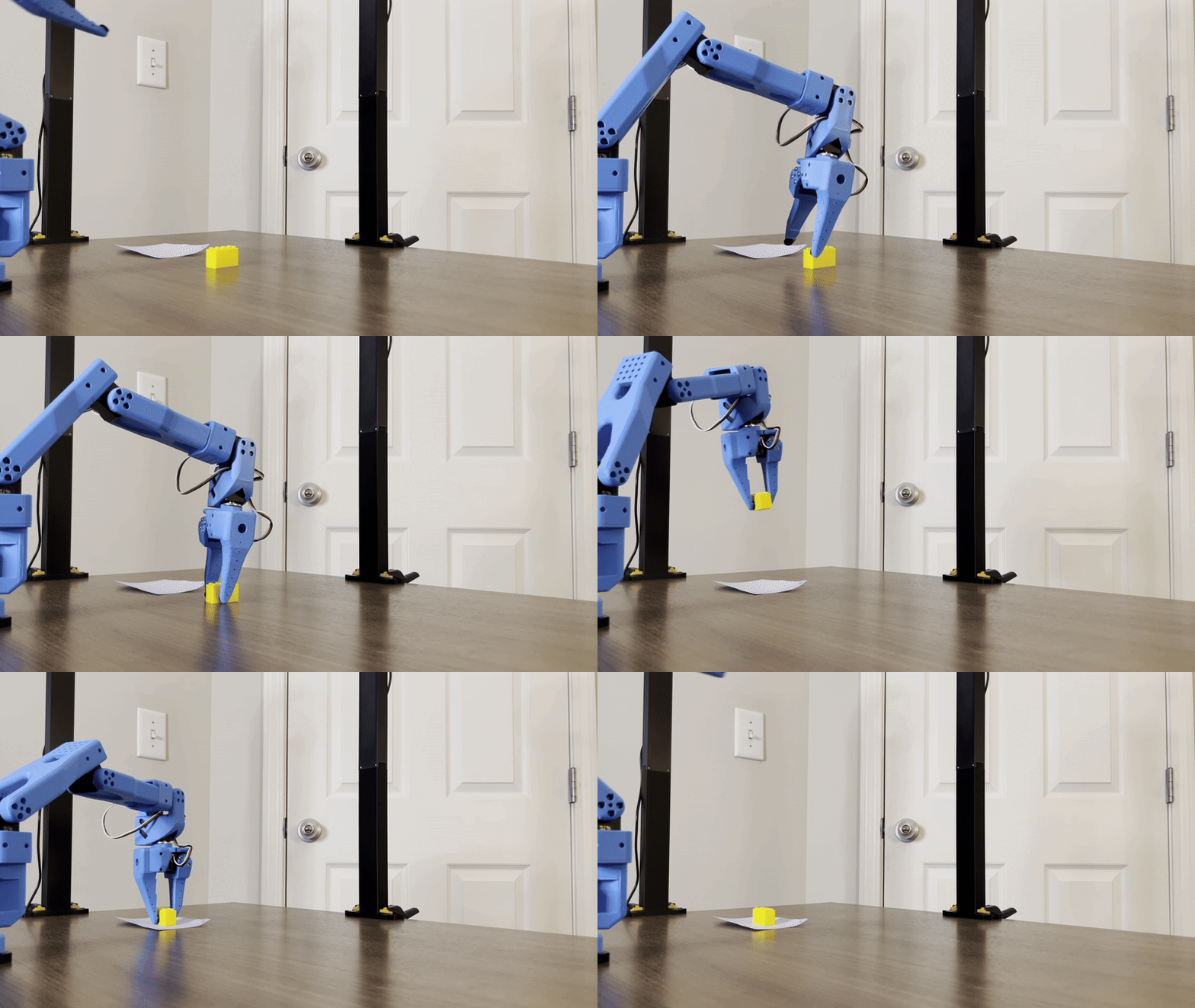
This stage moved onto the LeRobot SO-101 leader–follower system and focused on building a clean imitation learning workflow using:
- leader teleoperation for demonstrations
- ACT (Action Chunking Transformer) policies for learning
- synchronized multi-camera observations
The robot repeatedly followed a trajectory that looked right but missed the grasp by just enough to fail. That pointed to a core truth: Data quality beat model choice. This required several changes:
- improved camera angles (less occlusion, more task visibility)
- stabilized mounts (less shake / blur)
- better lighting (less glare and shadow)
- higher-contrast objects (for easier viewing)
- less variation in data collection (help convergence)
- more episodes (increase examples to learn from)
With a sterile setup and an intentionally overfit training run, the robot performed better on the pick-and-place task. This gave me confidence to proceed to using scissors.
Phase 3 — Final Deployment (Creative Scissors Pipeline)
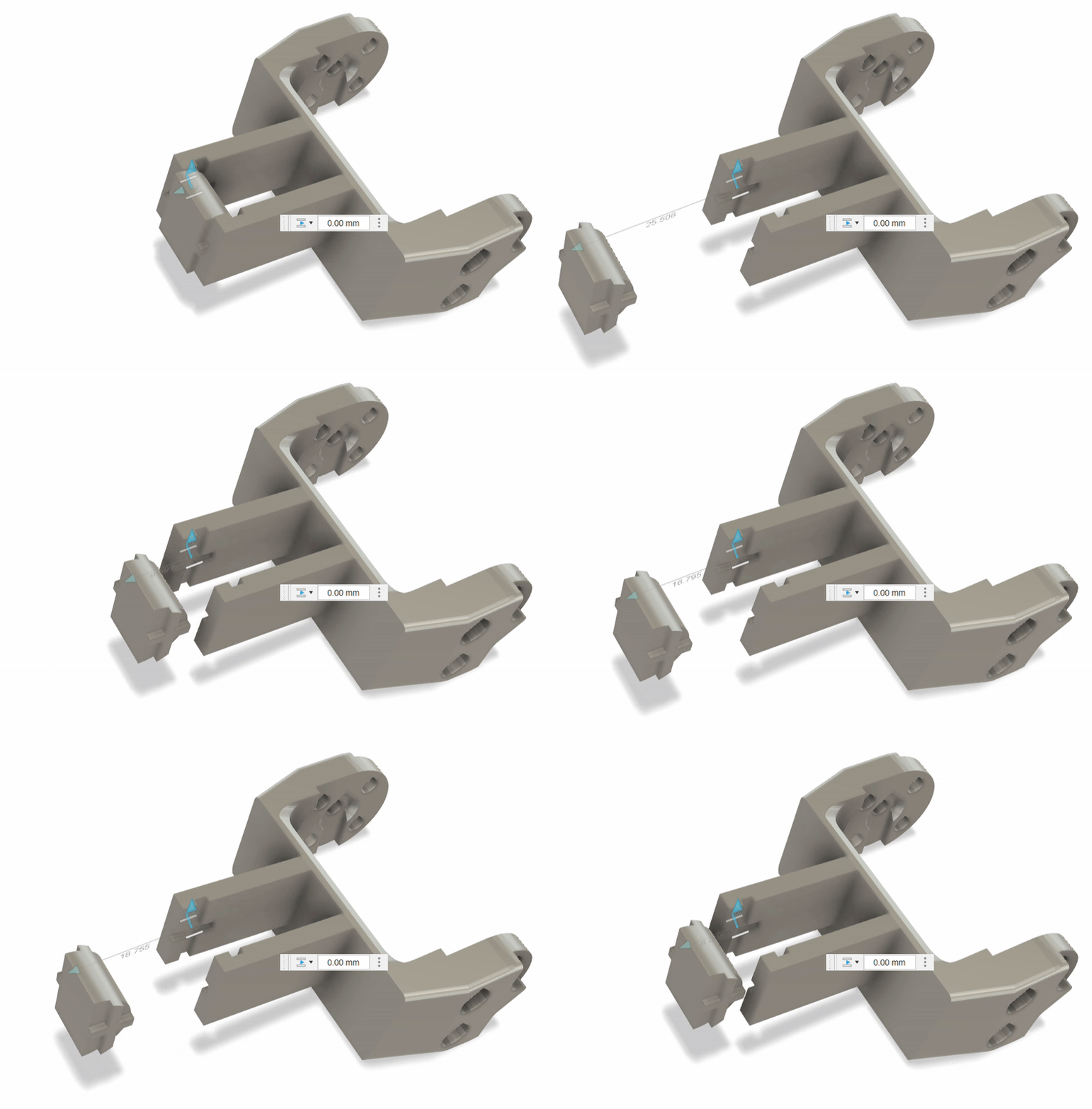
This stage integrated everything into a functioning multi-step system: position + cut a food item using scissors on the SO-101.
The snap-click scissors mount performed well at full size, but at smaller scale snap connections became mechanically unreliable. I solved this practically with superglue + color-matched duct tape, keeping the tool stable for repeated runs.
The subtask performed as follows:
- Push only demonstrated reliable linear pushing, occasional rolling due to the object shape
- Cutting produced consistent outcomes once the food item was located inside a defined target region. The robot occasionally became over eager and made repeated cuts
State Machine Framework (SMF)
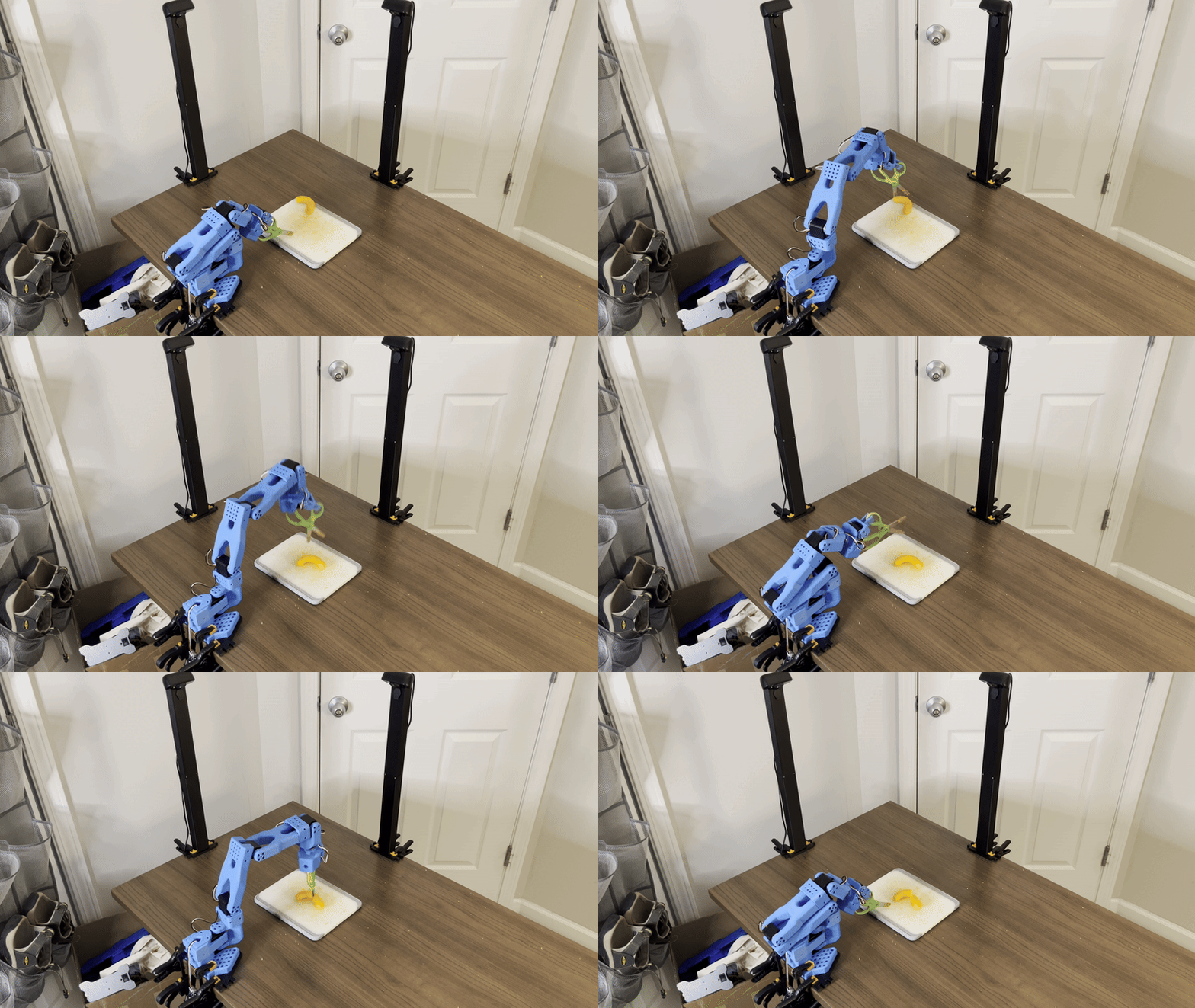
The pipeline is orchestrated using a simple, modular state machine that makes the system resilient.
State flow
- ROBOT MOVE - push the item toward the target region
- YOLO LOCATION - verify item is in a valid location (else repeat MOVE)
- ROBOT CUT - attempt cutting action
- YOLO CUT - verify cut succeeded (else return to LOCATION/MOVE)
- ROBOT HOME - return arm to home
Time limits were added per state to prevent infinite failure loops.
Lessons Learned
A few takeaways that kept showing up during development:
- Tool use is perception + geometry + control, not just policy learning.
- Task decomposition matters: “Move” and “Move + Orient” are different skills.
- Verification is a superpower: YOLO checks made autonomy practical and repeatable.
- Controlled environments accelerate learning (especially early) by removing noise.
- Hardware limits shape task choice: SO-101 couldn’t cut harder foods reliably so I switched to softer items.